A clearer product story
Lead with the main benefit, then support it with features, use cases, and verified details.
Built for Lazada and Shopify sellers
Upload your photos and paste the product description from your store in English or Thai. Receive a coordinated set of 3, 5, or 8 product cards—without hiring a designer or creating an account.
Made for independent Lazada sellers, small Shopify brands, and hands-on store operators.
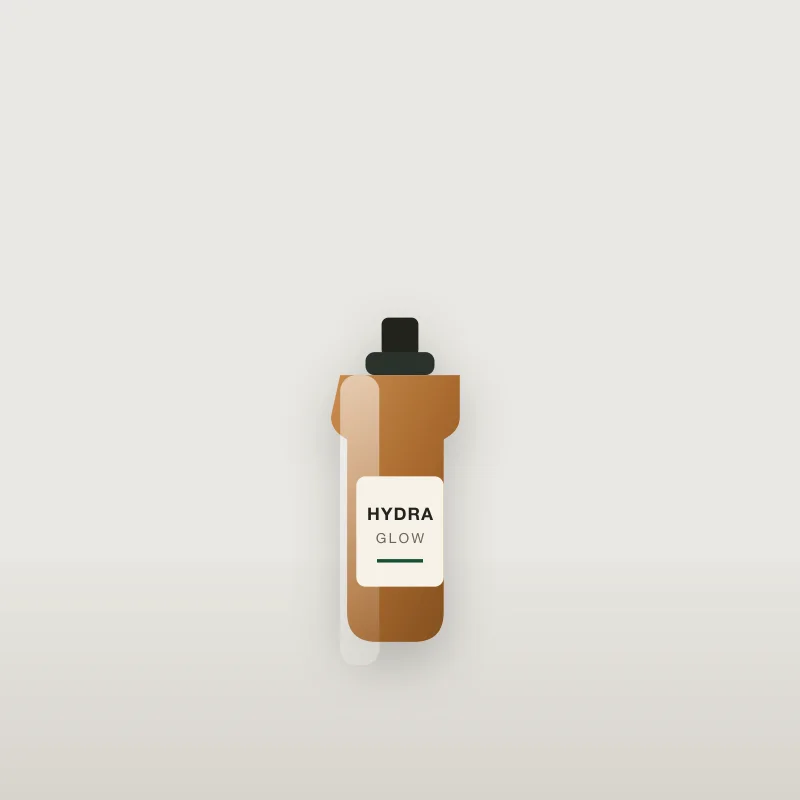
Your photo
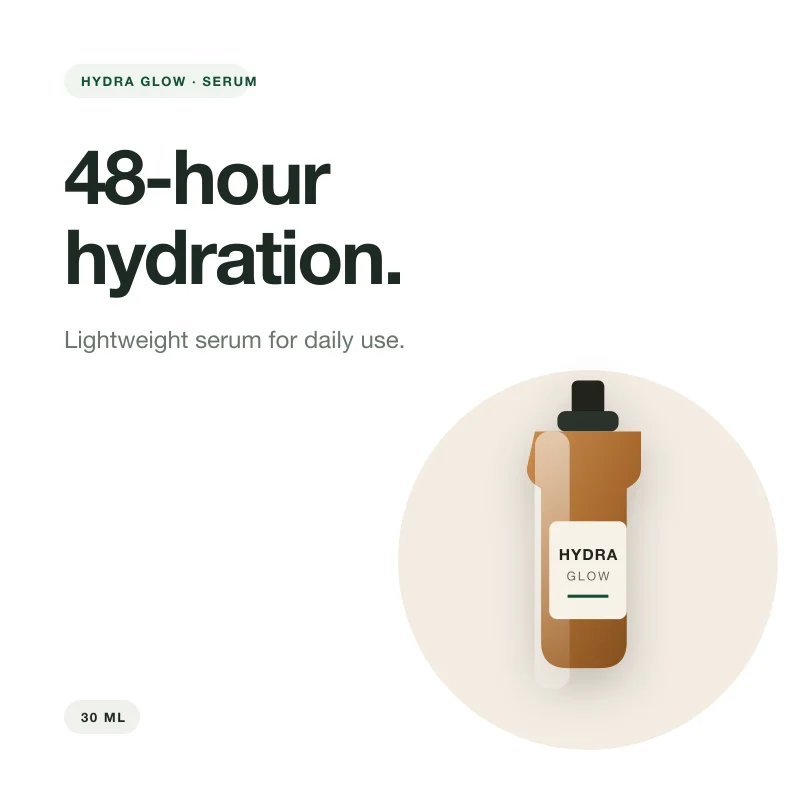
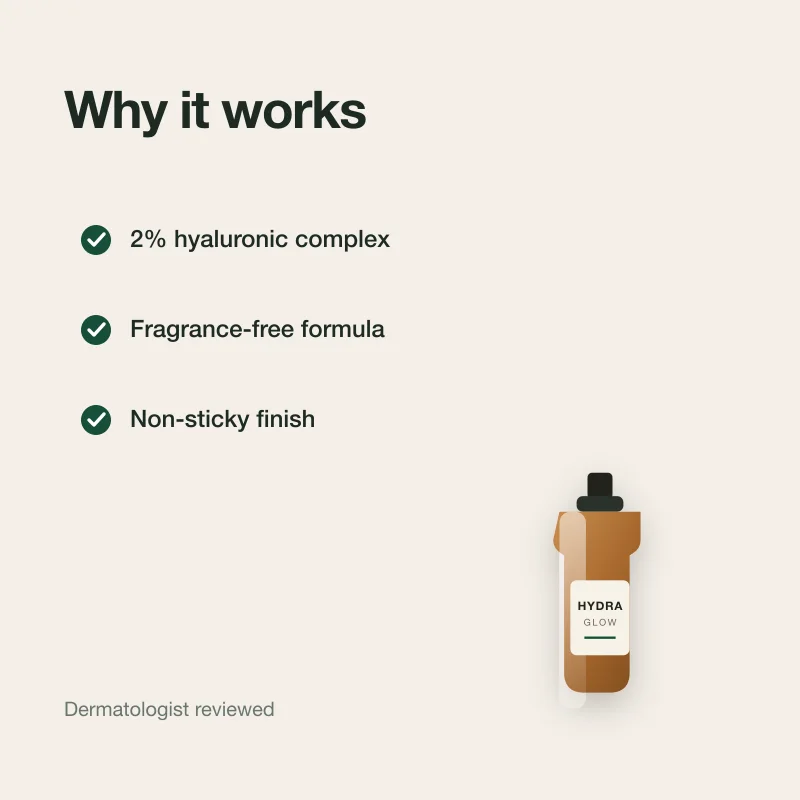
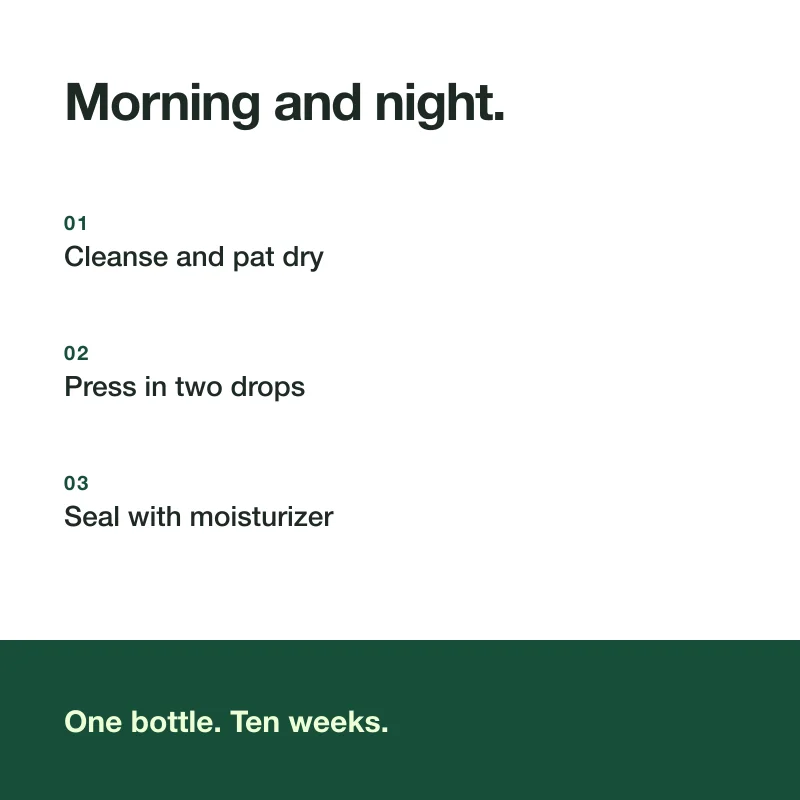
Concept preview · your cards are built from your photos
From raw photo to clear product story
A single product photo rarely explains the benefits, use case, or important details. Each set turns your existing store description into a clear visual sequence.
Create your set
Paste the description you already use in your store. We extract only supported product details and never invent missing claims.
Why product cards
Lead with the main benefit, then support it with features, use cases, and verified details.
Every card follows the same channel, style, hierarchy, and visual direction.
Skip blank canvases and repeated layout decisions. Bring your photos and store description; the system builds the set.
Files are resized, compressed, and validated against the current Lazada and Shopify image contract.
Four clear steps
No dashboard to learn and no design brief to manage. Everything starts on this page and finishes at one private result link.
Add one to five clear JPEG, PNG, or WebP images.
Use the complete product description you already have in English or Thai.
Select Lazada or Shopify, a visual style, and 3, 5, or 8 cards.
Stripe secures payment. When the complete set is ready, download each card or one ZIP.
Private browser history
Paid orders opened in this browser appear here. Keep the emailed private link too—browser storage can be cleared.
After Stripe secures payment, your private result link will be saved here and sent to your email.
Before you order
Product cards are listing images prepared for manual upload. English descriptions create English cards, and Thai descriptions create Thai cards.
A private result page with 3, 5, or 8 square product-card images in the language of your description, plus individual downloads and one ZIP. Every file is a 2048 × 2048 sRGB JPEG validated against the selected Lazada or Shopify image contract, ready for manual upload.
It depends on the package, source photos, and provider availability. Keep the private result page open for live progress—we also email the same link so you can come back later.
No. Cards only use claims supported by your store description. Missing specifications, ratings, certifications, discounts, or delivery promises are never invented.
A card payment is captured only after the complete valid set is ready. PromptPay is paid immediately; after a permanent failure we initiate a full refund, and Stripe may ask for bank details to complete it.
No. Your order lives at a private link, emailed to you and saved in this browser. Anyone with the link can open the order, so treat it like a password.
There is no canvas editor yet. After delivery you can request one successful regeneration per card while keeping the original version.
One product, ready to explain itself
From ฿129 · card charged only when the set is ready
Create my product cards